01
Copying between systems
The same customer or order details are typed into more than one place, and the copies drift apart.
Business automation
Business automation reduces repetitive manual work and connects the tools a team already uses, so people spend less time copying, chasing and updating by hand.
Based in Kathmandu, Nepal, with remote delivery for businesses in Nepal and worldwide.
Workflows, integrations, notifications, lead routing and practical AI-assisted support. This is automation, not an AI-company pitch.
Automation is useful when the same steps happen over and over, and when information has to move between people or tools without anyone adding judgement.
It is not a reason to automate everything. Some steps need a person. We start with the current process and only automate what is repetitive, rules-based and worth connecting.
The same customer or order details are typed into more than one place, and the copies drift apart.
Enquiries arrive and wait for someone to notice. Follow-up depends on memory rather than a defined path.
The same questions are answered in WhatsApp, email or chat, with no shared record of what was said.
Status changes happen, but the next person in the chain is not told unless someone remembers to message them.
CRM, inbox and spreadsheets each hold a partial picture, so the team cannot see the latest context.
Approvals, reminders and status updates are done by hand even though the rules are already known.
We connect existing processes and tools. AI is used only where it improves the workflow, not as the identity of the work.
Repeatable sequences for requests, handoffs, updates and internal steps that currently live in chat or documents.
Structured replies, routing and follow-up for customer conversations that currently depend on a single inbox.
Lead capture, assignment and status updates so an enquiry does not sit unseen.
Messages triggered by real events, instead of someone remembering to send the same update again.
New enquiries collected from the site or other channels and sent to the right person or queue.
Connections between the systems you already use, so data does not have to be re-entered.
AI can help with tasks such as interpreting enquiries or assisting customer conversations, but only where it improves the workflow.
Linking tools the team already depends on, rather than replacing everything on day one.
Automation connects and streamlines existing processes and tools. Custom software is the right path when the workflow needs a new system, not only a connection between what you already have.
If the process can be improved by routing, notifications and integrations, start with automation. If you need new records, roles, screens and business rules that no current tool can hold, you need software.
When a workflow needs a purpose-built system, that work is custom software development.
Not every process should be automated. We map the current work first, then decide what is safe and useful to take off someone's plate.
We look at how the work actually happens, including the unofficial steps that live in chat.
We identify the manual copies, follow-ups and updates that consume time without adding judgement.
Exceptions, sensitive decisions and unclear rules stay with people until the process is stable enough.
We integrate existing tools or add the small components the workflow needs.
We run the path with real examples before it is trusted with live work.
We put it to use, watch where it still breaks, and adjust. Delivery still follows our wider process.
See the full delivery sequence on how we work.
Automation work is usually API-led. The exact tools depend on what you already use and what the workflow requires. Where it is a good fit, that can include:
Based in Kathmandu, Nepal, with remote delivery for businesses in Nepal and worldwide.
We treat automation as part of the same team that designs and builds software, so a workflow can grow into a system later without starting over.
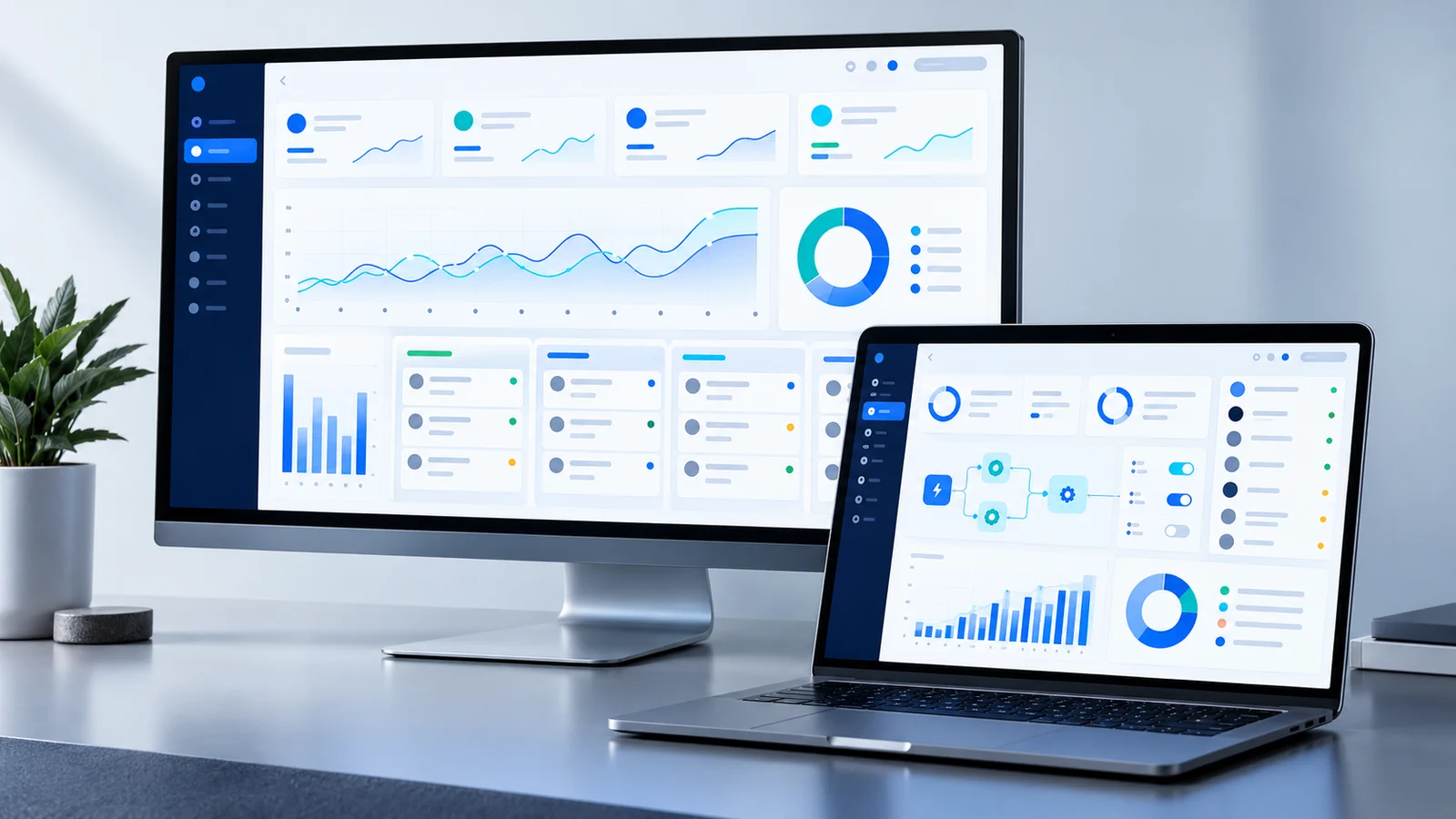
The example below is original concept work. It is not a client project, commissioned case study or production deployment.
Software & Automation
A unified digital workspace concept for managing operations, approvals, reporting and repetitive business workflows.
View more concept workProcesses that are repetitive, rules-based and already happening the same way most of the time: lead routing, follow-up messages, notifications, data copying between tools, and internal status updates. Judgement-heavy work is a poor first target.
Not necessarily. Many automations connect tools you already use. Replacement only makes sense when the current software cannot hold the process even after it is connected.
Yes, when those tools provide a usable API or another supported way to exchange data. We confirm that during discovery rather than assuming every product can be connected.
Yes, where it is appropriate: capturing the enquiry, sending a defined reply, routing it to the right person, and recording the outcome. Human handover stays part of the design when the conversation needs it.
No. Many workflows are rules, routing and integrations. AI can help with tasks such as interpreting enquiries or assisting customer conversations, but it is only used where it improves the workflow.
If the workflow needs new screens, records and rules that existing tools cannot support, we treat that as custom software rather than forcing more automation onto a poor foundation.

What repetitive process is slowing your team down?
Describe the steps people still do by hand. We will help you see what is worth automating and what should stay with the team.